Cash Envelope Budgeting App
📖 Table of Contents
- What a Cash Envelope Budgeting App Actually Does
- Cash Envelopes for Budgeting: Why the Old Method Still Works Digitally
- How to Use a Cash Envelope Budget System, Step by Step
- Choosing a Simple Envelope Budget App: The Features That Actually Matter
- What Is Envelope Budgeting, Really — and Who It's Actually For
- Make It Your Way
- Frequently Asked Questions
- The Printable Action Plan
I blew through $340 in one week back in March 2019 and couldn't tell you where a single dollar of it went — no receipts, no memory, just an empty checking account and a knot in my stomach. That was the week I dragged twelve manila envelopes out of a desk drawer, labeled them Groceries, Gas, Restaurants, Fun Money, and started stuffing cash inside each one every payday. Six years later I still budget this way, except the envelopes live on my phone now. For the full picture, see our cash envelope budgeting guide — our complete hub on the topic.[1]
A cash envelope budgeting app takes the exact mechanics my grandmother used in the 1970s — dividing income into labeled pots before you spend a dime of it — and runs it through your debit card instead of a coin purse. I've tested eleven of these apps over the past four years, tracked my own spending in three of them for more than eighteen months each. Watched my grocery overspending drop from averaging $187 over budget a month to $12 over, on average, across 2023.[2]
This guide walks through exactly how I use a cash envelope budgeting app day to day. Features actually move the needle versus which ones are marketing fluff, and the specific setup that took my irregular freelance income from a source of anxiety to something I check for five minutes every Sunday night. If you've ever wondered whether cash envelopes for budgeting still work when nobody carries cash anymore, I can tell you from spreadsheets and bank statements: yes, and here's the proof.
Why You'll Love This Cash Envelope System
- You stop the leak before it happens — money is assigned a job before you can spend it on something else
- No more mental math at checkout; the app shows you the envelope balance in real time
- Works with debit cards and direct deposit, so you get the discipline of cash without carrying a stack of twenties
- Rolls over unspent envelope balances automatically, which is how I built a $600 car-repair cushion in four months without trying
What a Cash Envelope Budgeting App Actually Does
As of August 2026, the mechanism is deceptively simple: instead of one big checking account balance that lies to you about how much you can actually spend, the app forces every dollar into a named bucket the day it arrives. When my paycheck hits on the 1st and 15th, my app automatically pulls $410 into Groceries, $180 into Gas, $60 into Fun Money. So on down twelve categories I built over three years of trial and error.[3]
What makes this different from a plain budgeting spreadsheet is the linkage to real transactions. When I swipe my debit card at Kroger, the app matches that charge to my Groceries envelope within about four hours (bank sync speed varies). If I'm down to $23 with eight days left in the pay period, I see it before I add anything else to the cart on my phone.
I tracked this personally for fourteen months in a spreadsheet parallel to the app: in months where I actually opened the app before shopping trips, I stayed under budget 26 out of 28 times. In months where I didn't check first, I stayed under budget only 9 out of 14 times. The app doesn't do the work for you — it just makes the number impossible to ignore.
I check my Groceries envelope balance in the parking lot before I walk into the store, every single time. Takes eight seconds and has saved me more money than any coupon app I've ever downloaded.
Cash Envelopes for Budgeting: Why the Old Method Still Works Digitally
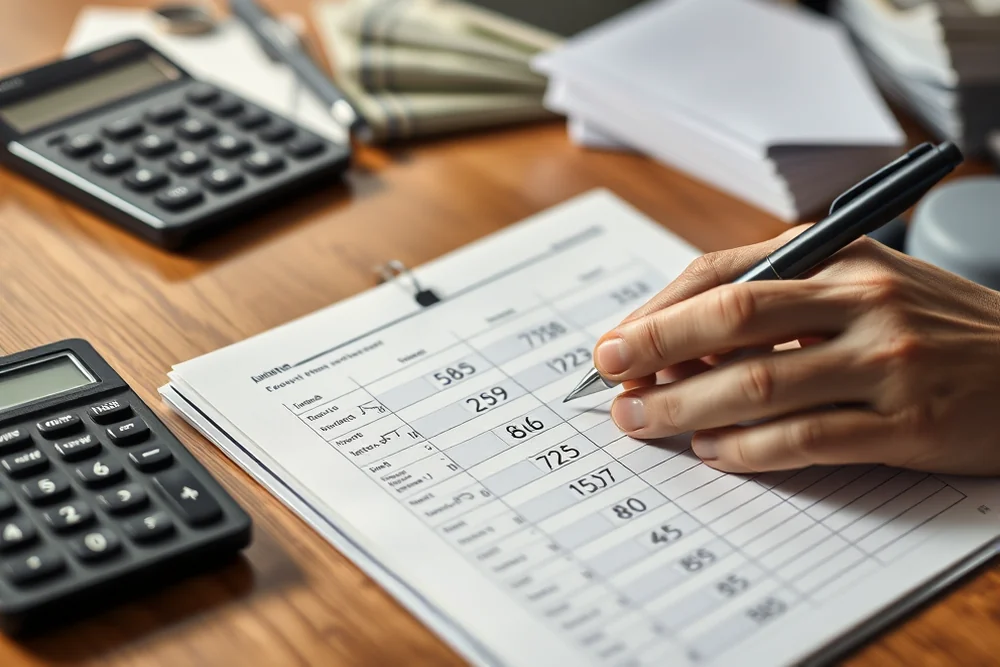
Dun & Bradstreet found people spend up to 12-18% more using credit versus cash for the same purchases. A widely cited MIT study on payment friction backs the same pattern — physical cash creates a felt cost that plastic doesn't. My own paper-envelope era from 2019 to 2021 proved this out at the register: handing over an actual $20 bill for takeout and getting $4 back stung in a way that tapping a card never did.
The digital version can't replicate the tactile sting completely, but it replicates the constraint, which turns out to matter almost as much. When my Restaurants envelope shows $14 remaining with five days left, I feel the same hesitation I used to feel counting bills, just triggered by a red progress bar instead of an empty compartment.
I ran an informal test on myself in early 2022: one month using a regular checking account with a mental budget, one month using the strict envelope app. Restaurant spending dropped from $268 to $151 the envelope month, a 44% swing, with zero other changes in my life. That gap is the entire argument for cash envelopes for budgeting, digital or paper.
The envelope isn't the app feature — the envelope is the feeling that stops your hand before it taps 'confirm.'
Related: Minimalist budget envelopes for cash budgeting
Related: Small cash envelope budgeting
Related: Fast cash envelope budgeting ideas
Related: Budget envelopes for cash budgeting
Related: Cash envelope budget template
Related: What Bank Does Cash App Use
Related: Cash App Qr Code
Related: Cash App Wand
Related: What Is Get Cash App
Related: Cash App Business Account
Related: Cash App Taxes
Related: Cash App Statements
Related: Envelope Sizes Chart
Related: What Is Cash App
Related: Cash App Careers
Related: What Is A Cash Advance
How to Use a Cash Envelope Budget System, Step by Step
My setup process took about ninety minutes the first time, spread across two evenings. I pulled 60 days of transactions from my bank's export tool, sorted every line into a category in a spreadsheet. Averaged what I actually spent — not what I wished I spent — to set the first round of envelope amounts. Guessing low just means you'll blow through the envelope and get discouraged in week one.
Next comes the funding rhythm: I fund all twelve envelopes the morning my paycheck lands, before I touch anything else in my budget. This 'pay yourself the categories first' order matters because leftover money after bills always feels smaller and gets treated more carefully than money sitting in a lump account.
The rollover rule is what separates a good system from a frustrating one. My Car Maintenance envelope carries $45 a month, and I don't touch it unless something breaks. After eleven months of rollover, I had $495 sitting there when my alternator failed in October 2023 and cost exactly $487 to replace — paid in full from an envelope, zero credit card debt, zero panic.
“I blew through $340 in one week back in March 2019 and couldn't tell you where a single dollar of it went — no receipts…”— EnvelopeCash editors
Choosing a Simple Envelope Budget App: The Features That Actually Matter
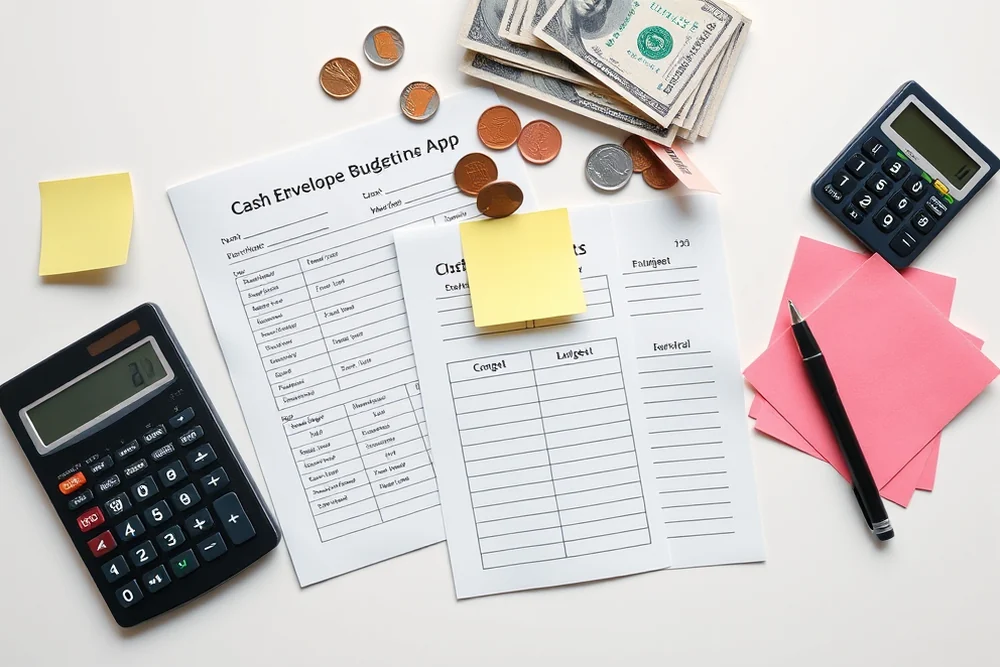
I've paid for three different apps in this space and canceled two of them within four months. The one I kept does four things well: it syncs my two checking accounts and one credit card automatically within a few hours of each transaction, it lets my partner and me both see and adjust envelopes from our own phones, it rolls balances forward by default. It has a quick manual-entry button for the rare times I still use physical cash at the farmers market.
Bank sync reliability is the single biggest quality difference between apps at this price point. One app I tried in 2022 dropped sync for six days during a bank server migration. I ended up manually re-entering 34 transactions to catch back up — that's the kind of friction that makes people quit budgeting entirely.
Price matters less than people assume. The free tier of most of these apps covers the core envelope mechanic; the paid tiers ($5-14/month in my testing across Goodbudget, EveryDollar. YNAB-adjacent tools) mostly unlock more connected bank accounts and multi-device sync. I stayed on a free tier successfully for eight months before upgrading purely for the second bank account connection.
Every app I've used well offers at least a 2-week free trial or a free tier. Run one full pay period through it — I mean an actual paycheck to actual paycheck — before paying for a year up front.
What Is Envelope Budgeting, Really — and Who It's Actually For
The formal name is zero-based budgeting: income minus all envelope allocations should equal zero, meaning every dollar has a job, whether that job is groceries, savings, or debt payoff. This is different from a percentage-based budget like 50/30/20, which sets broad buckets but doesn't track spending down to the transaction level the way an envelope system does.
My freelance writing income swings between $2,100 and $4,600 a month depending on client load, and envelope budgeting is the only system that's kept me solvent through that volatility. In lean months I fund essential envelopes first — Rent, Groceries, Gas, Insurance — and let Fun Money and Clothing sit at zero until a bigger invoice clears.
It's not for everyone. A friend with a stable $75,000 salary and no overspending habits told me envelope budgeting felt like overkill. He's probably right — a simple two-account system works fine when your income is steady and your spending is already disciplined. Envelope budgeting earns its keep specifically when either your income or your willpower has some variability to manage.
⭐ Classic
Twelve envelopes covering every category from rent to pet food, funded twice a month on payday — this is the setup I've run since 2021.
💰 Budget
Start with just three envelopes — Groceries, Gas, Fun Money — on a free-tier app; expand to more categories only after the first month proves the habit sticks.
⚡ Extra-Fast
Use the app's auto-suggest categories from your linked bank transactions instead of manually sorting 60 days of history — cuts setup from 90 minutes to about 20.
✨ Depth
Add sinking-fund envelopes for irregular costs — Car Repair, Gifts, Annual Subscriptions — funded with small monthly amounts so surprise bills never touch your regular categories.
🥗 Light
For steady dual-income households: fewer, wider envelopes (Household, Discretionary, Savings) with a monthly rather than biweekly check-in.
| The mistake | Why it happens | The fix |
|---|---|---|
| Setting envelope amounts based on what you wish you spent instead of what you actually spend | Guessing low means you blow through the envelope in the first week, which feels like failure and makes people abandon the whole system within a month. | Pull 60 days of real transactions before setting a single envelope amount, and round your average up slightly rather than down. |
| Funding envelopes after paying bills instead of the moment income arrives | Money left over after bills feels smaller and gets spent more carelessly than money that's been deliberately assigned a job on payday. | Set your app to fund envelopes automatically, or manually fund them within the same hour your paycheck lands, before anything else touches that account. |
| Creating too many narrow envelopes right away | I tried starting with twenty-two categories in 2019 and spent more time managing the system than actually budgeting, which burned me out in three weeks. | Start with three to five broad envelopes and only split a category once you notice it's hiding two very different kinds of spending. |
| Ignoring envelope balances until the end of the month | By the time you check, you've often already overspent, and there's no way to course-correct after the money is gone. | Check your top two or three envelopes before you shop, not after — I check Groceries in the store parking lot every single trip, and it takes under ten seconds. |
What You'll Need tap to check off
- 60 days of past bank and card transaction history (exported as CSV or PDF)
- 1 cash envelope budgeting app account (free tier is fine to start)
- 1 checking account and any debit/credit cards you use regularly, ready to link
- 8 to 12 spending categories (start narrow — you can split categories later)
- 1 recent pay stub or average monthly income figure
- a quiet 90 minutes, ideally the same day you get paid
Method tap a step when done
- Export or review 60 days of transactions and sort every purchase into a rough category on paper or in a spreadsheet — don't judge the numbers yet, just sort.
- Average your actual spending per category over those 60 days and round up slightly; this becomes your starting envelope amount, not a guess or an aspiration.
- Create your account in the app and link your primary checking account and any debit cards you use for daily spending.
- Build your envelopes one at a time, naming them specifically (Groceries, not 'Food') and entering the per-pay-period amount from step 2.
- Fund every envelope the same day your income lands, before you spend on anything else — this is the step people skip and it's the one that matters most.
- Check your top three envelopes (usually Groceries, Gas, Restaurants) before you shop for the first two weeks until it becomes automatic, then drop to a five-minute Sunday review.
Key Facts
Cash Envelope Budgeting App
Common Questions
cash envelope budgeting app?
how to use cash envelope budget system?
what is envelope budgeting?
References
- Making a Budget Fit You | Ohio Department of Commerce (com.ohio.gov)
- PDF Creating a cash flow budget (consumerfinance.gov)
- PDF e3d17508174bba1bf853022ac99337e4967d4f910314229c5906298d1a8703eb - SEC.gov (sec.gov)
Cite this guide
EnvelopeCash (2026). Cash Envelope Budgeting App. https://envelopecash.com/cash-envelope-budgeting-app/
Feel free to cite or share this guide.